
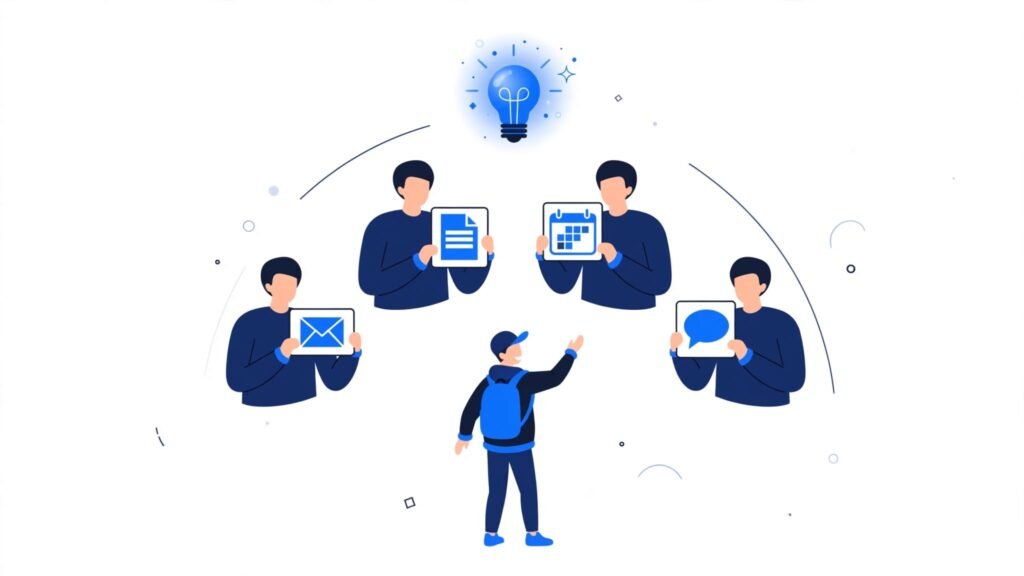
Training investment is moving in the wrong direction at exactly the wrong time — learning how to train a non-technical team on AI matters more now because most employers still aren’t doing it. DataCamp’s 2026 research found the share of organizations offering formal AI upskilling actually fell to about 26%, down from roughly 35% the year before, even as SurveyMonkey found only 13% of U.S. workers have received any AI training from their employer at all.
This guide covers how to train a team that’s never touched these tools before — without assuming technical background they don’t have, and without a training session that gets forgotten by the following week.
Why Non-Technical Training Needs a Different Approach
A training session built for technically confident early adopters lands very differently with someone who’s never used AI tools at all. Jargon, assumed familiarity, and abstract examples create quiet disengagement fast — not because the material is too advanced, but because it doesn’t connect to anything the person recognizes from their actual day.
The fix isn’t simplifying the tool. It’s grounding training entirely in tasks the team already does, using their own real examples instead of generic ones.
How to Train a Non-Technical Team on AI Tools
- Start with one task, not the whole tool. Overview sessions covering everything overwhelm more than they teach.
- Use the team’s own real work as examples, not generic demo content that doesn’t resemble their day.
- Avoid technical jargon entirely, explaining in terms of outcomes, not mechanisms.
- Build in guided practice time, not just a demonstration to watch passively.
- Follow up after the session, since a single training event without reinforcement fades fast.
A Simple Framework for Non-Technical AI Training
Show: One Task, Demonstrated With Real Work
Pick a single, common task — drafting a specific type of email, summarizing a familiar report format — and demonstrate it using content the team actually recognizes. A generic example creates distance; a real one creates immediate relevance.
Practice: Guided, Not Passive
Watching a demo and doing the task yourself are very different learning experiences. Building in actual hands-on practice time, with support available in the room, is central to how to train a non-technical team on ai in a way that actually transfers to independent use afterward.
Support: Reinforcement That Outlasts the Session
A single training event, however good, fades without follow-up. A quick check-in a week later, or a simple channel for questions as they come up, does more for lasting adoption than a longer initial session ever could on its own.
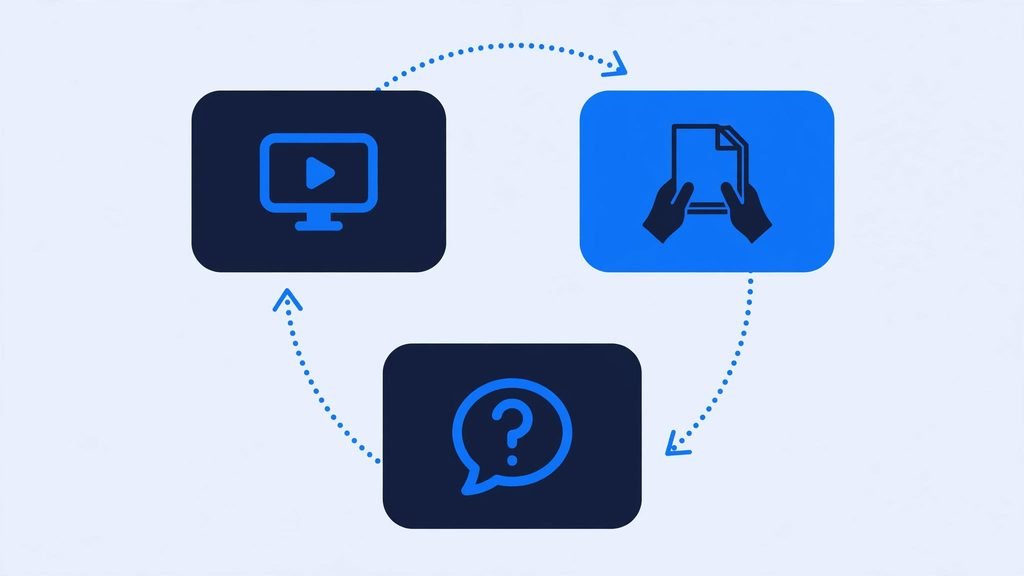
A Training Loop, Not a One-Time Event
Here’s what that ongoing structure looks like, cycling rather than ending after the first session.
| Stage | What It Does | Common Mistake |
|---|---|---|
| Show | Demonstrates with recognizable, real work | Using generic, unrelated examples |
| Practice | Hands-on, supported repetition | Passive demo-only sessions |
| Support | Reinforces after the session ends | No follow-up, one-and-done training |
Common Mistakes When Training Non-Technical Teams
- Covering the entire tool in one session instead of starting with a single task.
- Using generic demo content instead of the team’s actual recurring work.
- Assuming familiarity with AI concepts that non-technical staff simply haven’t encountered yet.
- Skipping guided practice and relying on a demonstration alone.
- Treating training as complete after one session, with no follow-up support.
Frequently Asked Questions
How long should AI training take for a non-technical team?
Shorter, focused sessions on one task at a time consistently outperform a single long overview — 30-45 minutes with real hands-on practice beats a two-hour lecture.
Do I need a technical trainer to teach non-technical staff?
No — someone who understands the team’s actual work and can translate it into simple, task-based examples is often more effective than a technical expert unfamiliar with that specific workflow.
What’s the biggest gap in how companies train non-technical teams on AI?
Follow-up. Most training happens once and is never reinforced — which tracks with why so much formal AI upskilling has actually declined even as tool adoption keeps rising.
Conclusion
Learning how to train a non-technical team on AI comes down to starting small, using real work instead of generic examples, and following up after the session ends. Given that formal training investment is actually shrinking industry-wide, doing this well is a genuine competitive advantage, not just a nice-to-have. For the full adoption picture, see our pillar guide on how to get your team to adopt AI.
📌 This article is part of our AI Guides & Tutorials series on adoption. It supports our pillar guide, How to Get Your Team to Adopt AI, and pairs with How to Overcome Resistance to Change When Implementing AI for teams facing pushback rather than just unfamiliarity.